Internal Guide
Daniel Hilse · 04.03.2026
Codex + Claude Code
How to install the Codex plugin for Claude Code and get started on a remote Coder environment.
Where are you installing?
Install Codex
Codex is installed globally via npm.
$npm install -g @openai/codexAuthenticate
Sign in to link your OpenAI account with the Codex CLI. Use device-code authentication so no browser needs to open in your terminal.
$codex login --device-authWelcome to Codex [v0.118.0]
OpenAI's command-line coding agent
Follow these steps to sign in with ChatGPT using device code authorization:
1. Open this link in your browser and sign in to your account
https://auth.openai.com/codex/device2. Enter this one-time code (expires in 15 minutes)
XSB5-AKY4F
Device codes are a common phishing target. Never share this code.
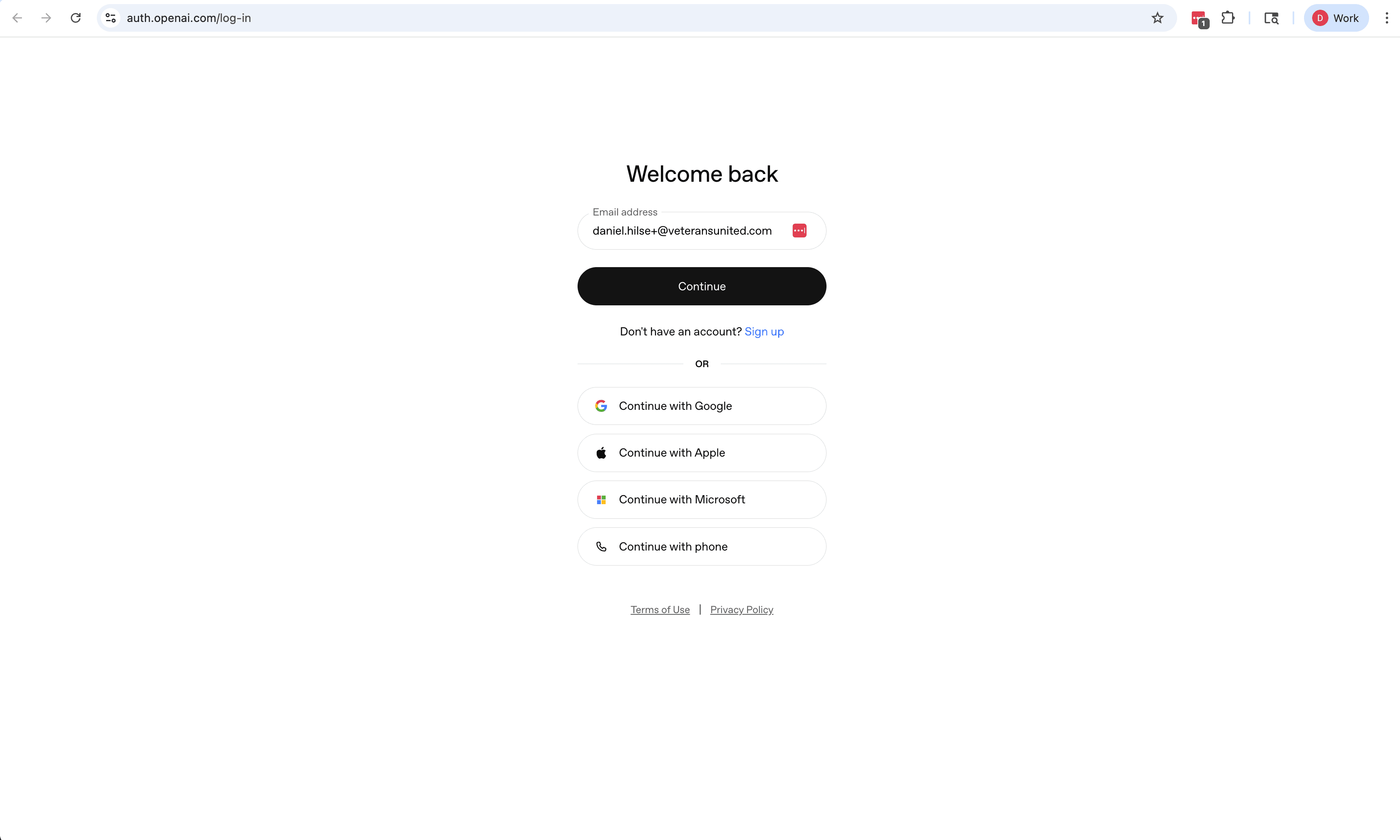
Enter your work email and click Continue.
Install the Claude Code plugin
Choose how you access Claude Code.
>/plugin marketplace add openai/codex-plugin-cc>/plugin install codex@openai-codexNote (Coder workspaces): If Claude says it can't find codex@openai-codex in any marketplace, try /plugin install codexinstead. This is likely because the marketplace wasn't added via the CLI and the UI flow already registered it differently.
>/reload-plugins>/codex:setupWhat you can do with it
Code review
/codex:reviewReviews your uncommitted changes (or a branch diff) and returns feedback inline. Pass --base <ref> to compare against any branch or commit.
Pressure-test your approach
/codex:adversarial-reviewActively challenges your design decisions and surfaces assumptions you may have missed. Useful before a big merge.
Delegate a complex task
/codex:rescueHand a stubborn investigation or fix to Codex and let it work in the background. Use /codex:status to check progress and /codex:result to retrieve the output.
The plugin uses your local Codex installation and authentication — no separate credentials needed. Work started here can be resumed in the Codex CLI with codex resume <session-id>.